
Why 2026 is the right time to start
Smart home devices have become genuinely affordable and simpler to set up than ever. Matter certification, a universal language released by Amazon, Google, Apple, and Samsung, now lets devices work together regardless of brand. In 2026, a basic smart home setup that actually improves daily life costs $100 to $200, not thousands. The biggest shift this year is that you no longer need to choose one walled ecosystem and stick with it; buying Matter-certified devices means your camera, light, plug, or thermostat will work with Alexa, Google Home, or Apple Home simultaneously. This was impossible three years ago. For beginners, this means lower risk when buying: you can experiment without fear of wasting money on incompatible gear. Devices like Eufy smart home products are designed with straightforward setup in mind, and smart plugs from trusted brands now cost under $10 apiece when bought in bulk. The real change isn't the technology—it's that the barrier to entry has finally dropped.




How to choose: the specs that actually matter
When shopping for smart home devices, ignore marketing jargon and focus on four essentials: connectivity type, ecosystem compatibility, power requirements, and whether a subscription is mandatory. Connectivity comes in three types: Wi-Fi (simplest, but weakens far from your router), Zigbee (more stable, requires a hub), and Thread (newest, fastest, also requires a hub). For beginners, Wi-Fi devices are easiest to start with because they need no extra hardware. Ecosystem compatibility now defaults to checking for Matter certification—look for the Matter badge on any device you consider. Power requirements matter because some devices need a hub (like Yale Home smart locks, which usually require a separate bridge or compatible system to unlock remotely), while others work standalone. Never assume a device works on Wi-Fi alone; some require Zigbee bridges or app-based hubs. Finally, read the fine print on subscriptions. Many cameras require monthly fees for cloud storage, while others like budget-tier smart plugs work completely free. The most honest devices show this clearly in the product description. When in doubt, prioritize Wi-Fi devices with no subscription requirement and Matter certification.
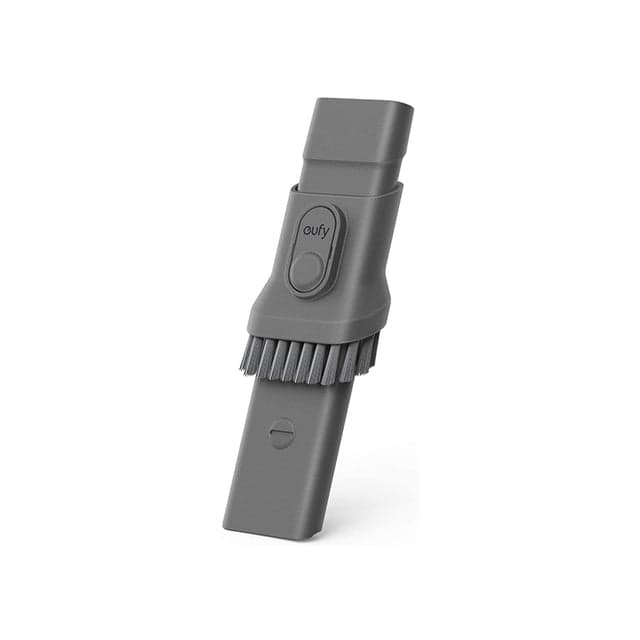 eufy HomeVac Replacement 2-in-1 Crevice ToolEufy · $9.99
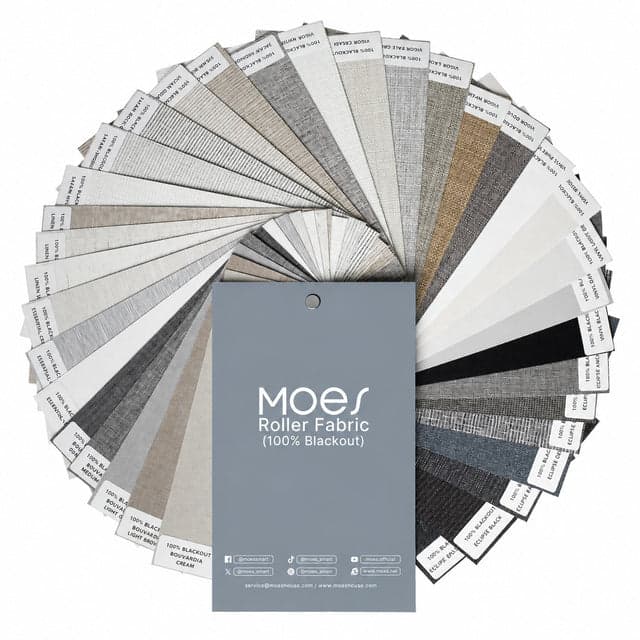 MOES Curtain 100% Blackout Fabric SamplesMoes · $9.99
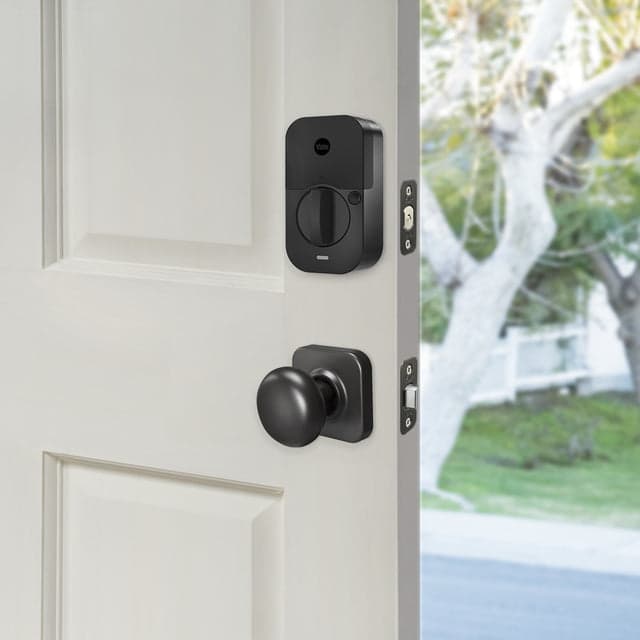 Yale Assure Lock 2 Plus with Bluetooth and Valdosta LeverYale Home · $254.99
What to skip and what trade-offs are safe
Beginners often spend too much trying to automate the entire house. Safe trades you can make: buy a basic smart speaker instead of a premium model (Echo Dot at $50 versus Echo at $100 does the same voice control), choose Wi-Fi plugs over Zigbee hubs if your router is strong, and start with dimmable lights rather than color-changing ones (dimmable costs half as much and solves 90% of lighting needs). Skipping these features is safe because you can add them later without buying new gear. What is NOT safe to skip: security fundamentals if you're buying locks or cameras. A Yale Home smart lock or any remote lock must have solid physical construction and changing passwords from the factory default. Do not buy extremely cheap imitations of well-reviewed models; a $30 mystery lock from an unknown brand will fail faster than a $80 name-brand option. Also skip devices that require proprietary hubs if you want flexibility; Moes smart devices and many others now work with standard platforms, so you're not locked into one ecosystem. Beginners should avoid mixing brands that don't support Matter, and avoid buying a complete set of devices before testing one. Test one camera, one plug, and one light first. If setup is painful, return it and choose a different brand before committing to five more devices.
Which brands suit different kinds of starter
The beginner market splits into three groups. Budget-conscious buyers who want to keep spending under $100 should look at Moes smart devices, which offer smart switches and smart sockets starting around $10–$25, with smart thermostat options near $50. These are straightforward, minimal-setup products. Privacy-first buyers who want local control (devices that work without sending data to the cloud) should explore SwitchBot, which includes products designed to control existing appliances using automation, letting you automate without replacing equipment. Buyers with security concerns should start with Yale Home smart locks; these range from $200 to $500 but solve the essential problem of keyless entry with activity logging. For buyers who want an all-rounder starter package, Eufy offers a range of easy-to-use smart home devices; their camera and light products are designed for straightforward setup. None of these brands requires you to buy multiple products from the same manufacturer, but each excels in a different beginner scenario. Budget-focused setups favor Moes. Security-first setups favor Yale Home. Flexibility and local control favor SwitchBot. Eufy suits people who want simplicity above all else.
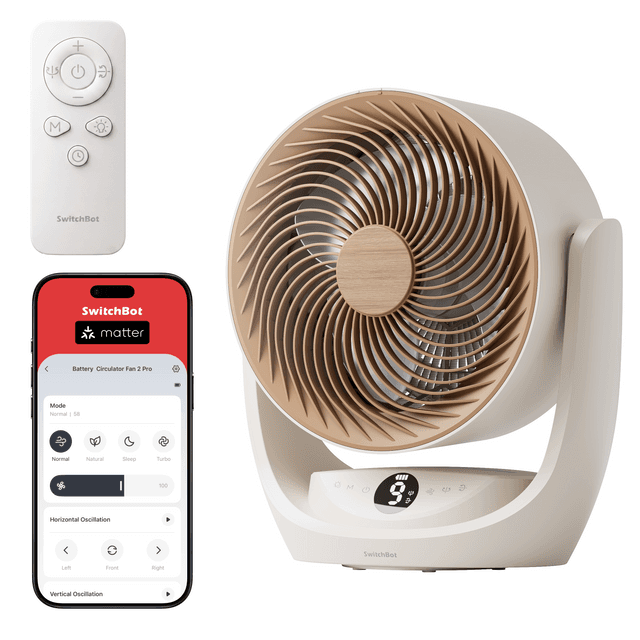 SwitchBot Battery Circulator Fan 2 ProSwitchBot · $119.99
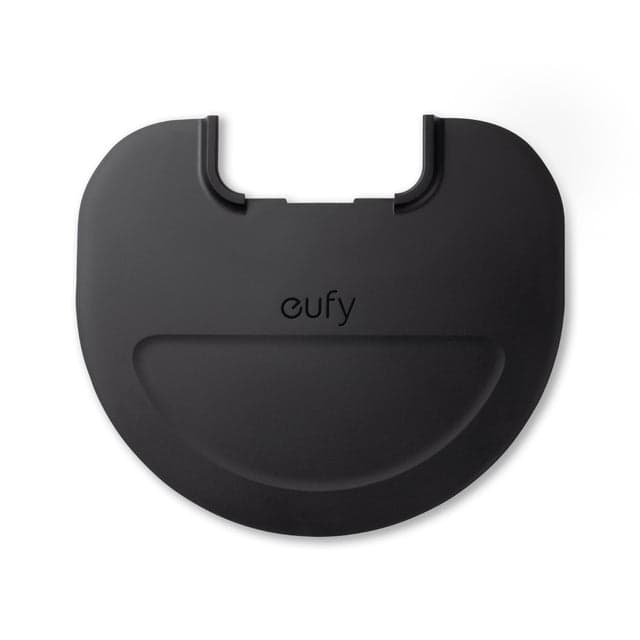 Waterproof pad (Black), Compatible with RoboVac G10 Hybrid, G20 Hybrid, G30 HybridEufy · $14.99
 MOES Motorized Zebra Shades 60% Blackout Translucent 75mm EloiseMoes · $238.99
Quality and value: what separates good from cheap
A $15 smart plug works the same way as a $30 smart plug for the first year. The difference shows up in durability, app reliability, and firmware updates. Quality-tier devices from Moes, SwitchBot, Yale Home, and Eufy receive regular software updates for years; cheap no-name brands often stop receiving updates within months. Quality also means the app doesn't crash when you have ten devices running, Wi-Fi stays stable under load, and the device doesn't spontaneously disconnect and require a factory reset. A good-value device nails the fundamentals—reliable connection, clear app interface, working voice control—without adding features you'll never use. Expensive smart devices usually add color customization, scheduling presets, energy-monitoring dashboards, or app notifications for things you don't need. Beginners shouldn't pay for complexity. Instead, look for devices with 4+ star ratings after at least a hundred reviews, mention of consistent connectivity in reviews, and clear documentation. Avoid devices with reviews mentioning connection drops, app crashes, or devices going offline weekly. A $40 reliable lock beats a $20 lock that disconnects every other week; the cheap option costs more in frustration and failed automations. Quality doesn't always mean highest price—it means devices from makers who update firmware, respond to bugs, and don't disappear from the market in a year.
Sizing and capacity: getting it right the first time
Smart home sizing mostly means Wi-Fi coverage and device quantity on your network. A typical home router handles 30 to 40 smart devices comfortably; once you exceed 40, connection quality drops. Beginners should count all connected devices including phones, laptops, printers, and IoT gadgets, not just smart home gear. If your household has eight phones, three computers, and a printer, you can safely add about 25 smart home devices before performance falters. This is more than enough for a small home or a single room. For Wi-Fi coverage, place your main smart home hub (if you're using one) centrally in the home. Devices like Yale Home locks, smart lights, and cameras should all be within 30 feet of your router's signal for stable connection; if your house is very large, consider a mesh Wi-Fi system (a second router linking to the first). For a single-room setup, you need fewer than 5 devices. For a whole-house setup, plan for 15–25 devices: smart lights in each room, a thermostat, cameras, a couple of plugs, and a lock. Before buying, list the rooms you want to automate and count: lights, outlets, and security devices in each. Buy half what you think you need first. Moes and SwitchBot devices are compact, so size isn't a placement concern; they plug in and work. Yale Home locks do require physical fitting to your door, so measure your door thickness before buying. Eufy cameras and doorbells need a powered outlet or hardwired connection nearby, so check your front door and garage for outlets before ordering.
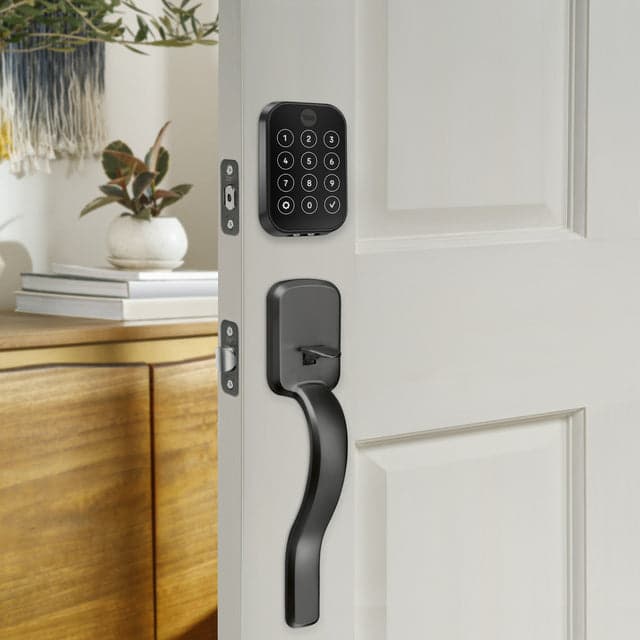 Yale Assure Lock 2 Plus with Wi-Fi and Ridgefield HandleYale Home · $369.99
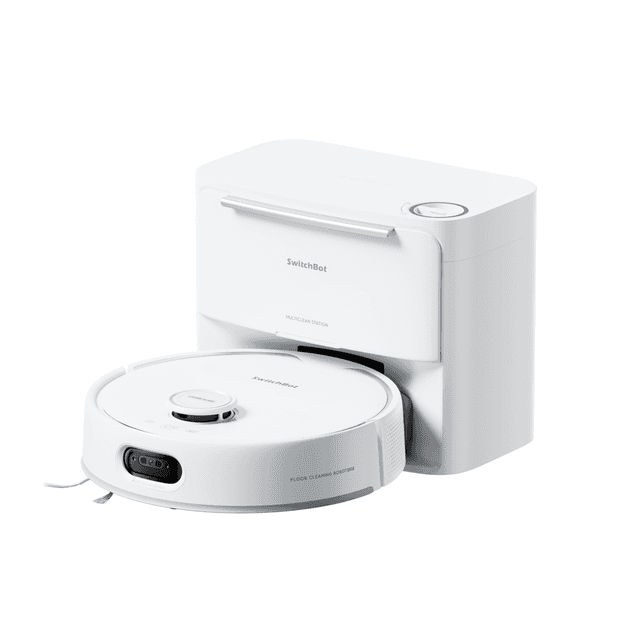 SwitchBot S20 with Auto-Fill & Drain SystemSwitchBot · $799.99
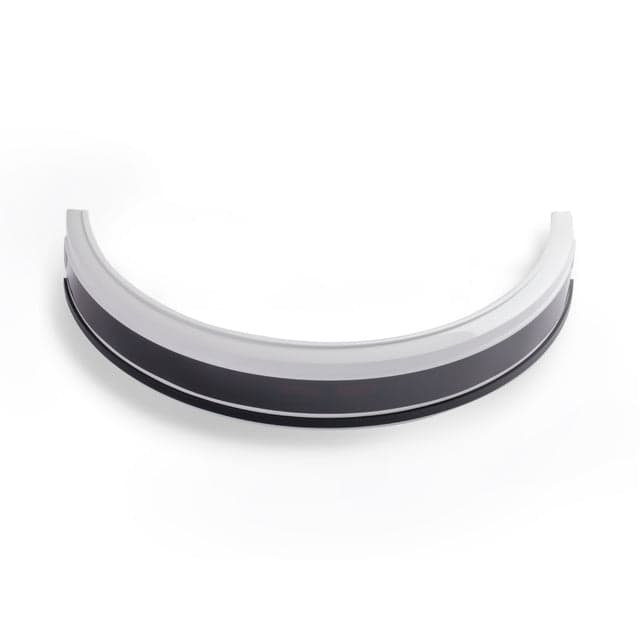 White bumper, Compatible with RoboVac 11S,11S PLUS, 11S Max,12,15C,30, 30C,30C MAXEufy · $15.99
How to save money: when prices drop, what discounts cover
Smart home device prices drop predictably during Prime Day (July), Black Friday (November), and post-holiday sales (January). Individual plugs and bulbs from mainstream brands typically discount 20–30% during these events; starter kits and bundles drop 15–25%. Subscription services like Amazon Prime and some app-based systems occasionally offer promotional discounts on hardware, but these are not the same as general sales—they're often locked to membership. Real discounts come from major retailers, not coupon codes; a coupon code that claims 50% off is usually targeting very specific overstocked items or last-year models. Beginners should skip chasing coupons and instead wait for a major sale event if timing allows, or buy during a standard sale month. You save more waiting three months for a 25% discount than hunting for a coupon. When comparing prices across sellers, confirm the model number matches—retailers sometimes sell older model variants at lower prices. Yale Home locks, Moes devices, SwitchBot products, and Eufy gear are all available at mainstream retailers and discount during seasonal sales. Bundles (like a four-pack of smart plugs) always offer better per-device pricing than buying singles. If you're budget-constrained, buy a bundle of plugs (often $30–$40 for four) rather than one expensive smart light. A four-pack of plugs serves more devices than a single smart bulb and costs less.
Where people go wrong comparing options
The most common comparison mistake is ignoring ecosystem lock-in while comparing price. A $20 smart plug that only works with Alexa is more expensive than a $25 Matter-certified plug, because you'll eventually need to replace the first one if you switch ecosystems. Always compare devices on matter certification or multi-platform support, not just price alone. Second mistake: trusting reviews from recent buyers without checking review age. A five-star review from three years ago might be praising firmware that's now outdated and buggy. Read recent reviews (last six months) as the primary signal. Third mistake: confusing similar-looking products from different brands. Moes, SwitchBot, Eufy, and Yale Home all make smart plugs and lights, but they're not interchangeable. A Moes switch isn't the same as a Eufy bulb just because both cost $15. Read what each device actually does—does it dim, does it turn color, does it require a hub. Beginners often buy one device from each brand without reading, then find they've created a fragmented setup. Fourth mistake: buying the fanciest model instead of the one that solves your problem. Do not buy a $200 color-changing smart bulb if you only need to turn lights on and off remotely. Start with the cheapest device that solves your problem, then upgrade if it doesn't work. Fifth mistake: comparing specs on the manufacturer's own website without checking independent reviews. A plug claims 15-amp capacity, but does it overheat? A lock claims 12-month battery life; does it actually last that long? Read third-party review sites, not just the product page, before deciding.
Mistakes shoppers make and how to avoid them
The most expensive mistake beginners make is buying without a plan. Avoid impulse purchases by writing down exactly what problem you want to solve: Is it convenience (e.g., turning lights on from bed)? Security (e.g., seeing who's at the door)? Energy savings (e.g., automating temperature)? Once you define the problem, buy one device that solves it. Test it for two weeks before buying the next thing. This prevents ending up with ten devices that don't talk to each other. Second mistake: choosing the wrong ecosystem from the start. Alexa-based devices are cheapest and most plentiful; Google Home is middle-ground; Apple Home prioritizes privacy but has fewer device options. Make this choice once, then stick with it unless you switch phones. Switching ecosystems mid-way wastes money. Third mistake: installing devices in bad locations. A smart lock on the back door (rarely used) wastes money more than one on the front door. A camera pointed at a wall is useless. A Wi-Fi plug in a dead zone won't connect. Before installing, test placement by temporarily placing the device in its intended spot and checking app connectivity and signal strength. Fourth mistake: setting up complex automations before you understand the basics. Never automate ten different actions on day one. Automate one simple rule first (e.g., lights on at sunset) and make sure it works reliably for a week before adding more. Broken automations are the top complaint from beginners. Fifth mistake: ignoring security. Change default passwords immediately, enable two-factor authentication on any account, and avoid syncing passwords with your main email. Many break-ins start with someone guessing a smart lock's default password. Finally, don't assume brands like Yale Home, Eufy, Moes, or SwitchBot will continue to support old devices forever. Check the manufacturer's support page to see how long devices receive updates. Buy devices from brands with at least a three-year track record of updates, not new startups promising the world.
Our top picks

Eufy55% off
Offers easy-to-use smart home devices with straightforward setup for beginners who want simplicity and don't want to learn complex app interfaces.
Shop Eufy →24 Eufy coupons →
Moes30% off
Delivers budget-friendly smart switches, lights, sockets, and thermostats starting around $10–$50, ideal for beginners building a low-cost setup.
Shop Moes →19 Moes coupons →
Yale Home70% off
Specializes in smart locks and security bundles with strong physical construction, perfect for beginners prioritizing front-door security and keyless entry.
Shop Yale Home →15 Yale Home coupons →
SwitchBot65% off
Provides home automation devices designed to control existing appliances without replacement, suiting privacy-first buyers and those avoiding ecosystem lock-in.
Shop SwitchBot →19 SwitchBot coupons →Frequently asked questions
Do I need a smart home hub to get started?
Not necessarily. Wi-Fi devices like smart plugs and many bulbs work without a hub; you control them via an app or voice assistant. A hub becomes useful when adding Zigbee or Thread devices, which are more stable but require a central bridge. For your first smart home, skip the hub and buy Wi-Fi devices. Add a hub later if needed.
What's the difference between Alexa, Google Home, and Apple?
Alexa (Amazon) is cheapest and has the most device options. Google Home is middle-ground with good integration. Apple Home prioritizes privacy but has fewer compatible devices. In 2026, Matter certification makes this choice less critical because devices work across all three. Pick whichever you already use most, or start with Alexa if you're unsure.
How much should I spend on my first smart home setup?
A useful, single-room setup costs $100–$200: a smart speaker ($50), two or three plugs ($30), a smart light ($40), and a basic camera ($60–$80). A whole-house setup with locks, thermostats, and lights runs $500–$1,000. Start small and expand over time rather than spending $1,000 on everything at once.
- https://circuitandchime.com/smart-home-devices/beginners
- https://www.ilounge.com/articles/the-beginners-guide-to-smart-home-automation-in-2026
- https://www.gearbrain.com/common-smart-home-mistakes-beginners-2675607763.html
- https://www.digitaltrends.com/home/best-smart-home-devices/
- https://www.pcworld.com/article/3050106/smart-homes-are-getting-cheaper-14-useful-gadgets-under-100.html
- https://thehomepicker.com/smart-home-buying-guide-2026/