
What has changed in 2-in-1 laptops this year?
I could not verify a clear list of what changed in 2-in-1 laptops this year. Many 2026 roundups I found were affiliate pages with mixed dates and model names, so this guide does not rank models on them. The more solid sources describe the category itself. One independent tech site says thinner designs leave less room for cooling, so these machines are more likely to overheat, though better components and ventilation are reducing the problem. The same site says makers often tune 2-in-1s for mobile use, which can mean better battery life than on regular laptops. For a buyer now, the practical question is whether a specific model has been reviewed recently by an independent outlet. Check the test date on any review before you rely on its battery or heat results.



Which 2-in-1 type suits which buyer?
The main split is between convertibles and detachables. A convertible keeps the keyboard attached, and its screen folds back 360 degrees, so it feels more like a regular laptop and is sturdier on a lap, according to one manufacturer's glossary. It suits people who mostly type, study or work at a desk and use tablet mode now and then. A detachable separates the screen from the keyboard, which makes a lighter tablet, but the laptop can be top-heavy on your lap and often uses a kickstand. It suits people who mainly read, sketch or take notes away from a desk. Lenovo sells laptops, tablets and accessories through its official site, so it is a useful place to compare convertible models side by side. Decide first whether you will use the device more as a laptop or as a tablet, because that answer decides the shape you should buy.
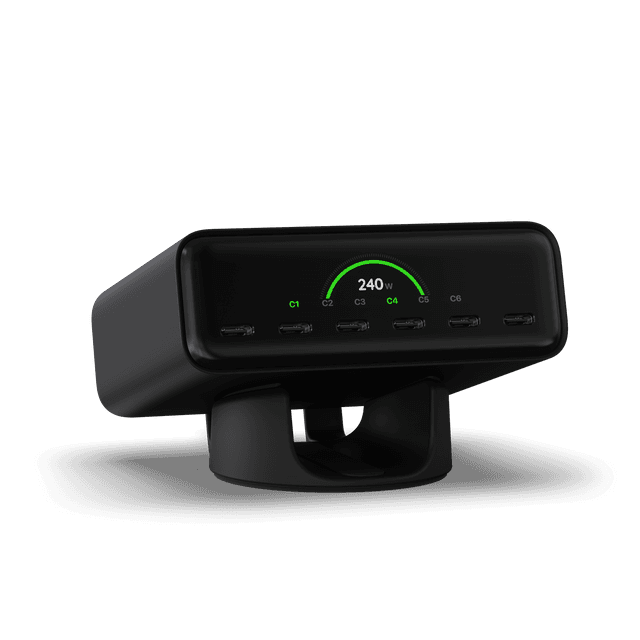 ChargeView™ 240W Desktop ChargerSatechi · $149.99
 Clear Quart Zip PouchCALPAK · $38.00
 Flowee 22oz Insulated Water Bottle in Wiggle BlueJ WORLD · $24.99
Which 2-in-1 is the safe pick for most people?
For most people, a convertible laptop with a touchscreen is the safer starting point. One manufacturer's glossary says most 13- and 14-inch 2-in-1 laptops weigh about 3 to 3.5 lbs, which is a useful benchmark when you compare listings. A much heavier model will feel tiring when used as a tablet, and a much lighter one needs a closer look at its build. Lenovo is a sensible place to start comparing, because its official site lists laptops next to tablets and accessories, which makes it easier to check the pen or case you need from a single seller. Look for a firm hinge, a metal chassis and scratch-resistant glass, as the same glossary suggests. If you use the machine near windows or bright lights, check whether the touchscreen is glossy, since glossy screens show glare and fingerprints.
How do I get a 2-in-1 on a tight budget?
I could not confirm current prices for specific 2-in-1 models from the sources I read, so this section names no amounts. A 2023 consumer guide gave a rough range of $140 to $2,500 depending on specs, but that figure is old. On a tight budget, the trade-off is usually in the screen, memory, storage or build, so spend on the parts you touch every day, such as the hinge and the display. If the model you can afford has few ports, a USB-C hub from Satechi can cover a monitor, card reader or charger, since Satechi's listed range includes chargers and USB-C hubs. Compare any budget model against the same seller's newer listings, because an older model at a lower price is not always the better buy. Read the full spec sheet before you assume the low price is the bargain.
- Check the number of USB-C ports and whether one is used for charging
- Confirm the memory and storage listed, not just the processor name
- Compare the hinge and screen descriptions across two or three models
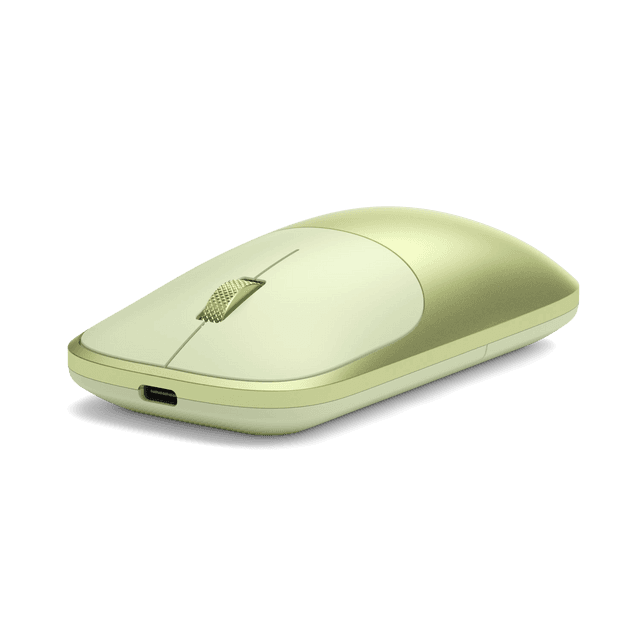 Slim EX Wireless MouseSatechi · $29.99
 Luka 1-Quart Zip PouchCALPAK · $24.00
 Flowee 22oz Insulated Water Bottle in PurpleJ WORLD · $24.99
Are extra features like a pen worth paying for?
Extra features are worth paying for only if you will use them every week. One manufacturer's glossary says pens work only with laptops that support the same pen technology, and a pen is often sold separately, so check the laptop's specifications before you buy one. Look for active pen support with pressure sensitivity, tilt support, palm rejection and low latency. Protection matters too, because a removable screen can be knocked in a bag. CALPAK's listed range includes laptop sleeves and organizers, which suits buyers who want a case for a 2-in-1 in daily use. Vivoprint lists laptop sleeves among its personalized products, which can help if you want a sleeve with a name or design. For carrying the whole kit, J WORLD lists laptop backpacks and laptop messengers, which suit commuters or students who want the keyboard, screen and pen in one bag.
Which specs and materials separate 2-in-1s?
The specs that matter most are the ones you touch every day rather than the headline numbers. Hinge quality decides whether the screen holds its angle in tent, stand and tablet modes, so test it in a store if you can. Chassis material and screen glass affect weight, durability and glare. Ports matter on thin designs, because one tech site notes that some detachables have only USB-C, which may need a dongle. Pen support is easy to get wrong, since a pen must match the laptop's pen technology. Battery figures on a listing are a starting point rather than a promise, so pair them with independent test results. The checks below are the ones worth doing before you pay.
- Hinge that holds the screen at tent and stand angles
- Metal chassis or scratch-resistant glass stated in the specs
- Weight near 3 to 3.5 lbs for a 13- to 14-inch model
- Number and type of ports, including USB-C
- Pen technology named and matched to the laptop
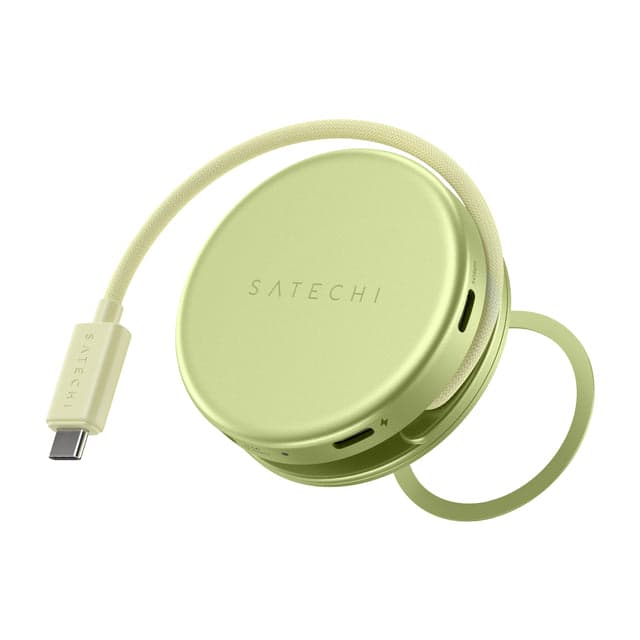 OntheGo™ 5-in-1 Multiport AdapterSatechi · $44.99
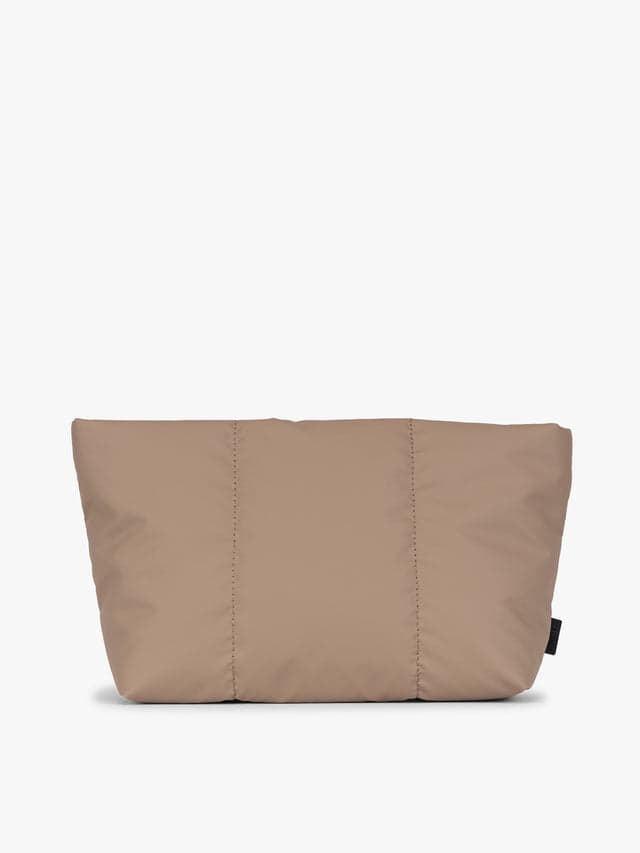 Luka 2-Quart Zip PouchCALPAK · $28.00
 Flowee 22oz Insulated Water Bottle in Puffy FlowerJ WORLD · $24.99
Where the marketing is thin and what to skip
Several claims deserve a closer look. A touchscreen is close to standard, since one tech site says almost all 2-in-1 laptops have touchscreens, so paying extra for touch alone is not a real differentiator. Battery figures on a listing are a starting point. One manufacturer's glossary says battery life can be shorter than on similar non-touch laptops, while one tech site says makers often tune 2-in-1s for mobile use, so the two sources disagree and recent reviews should settle it. Spec sheets also list very high processor and memory numbers that most note-taking, browsing and streaming work will not use. Labels such as premium or tablet-grade are not measurable, so treat them as marketing unless an independent review backs them up. Where you can, read a recent independent review rather than the seller's own page.
When do 2-in-1 laptop prices drop?
I could not confirm a specific sale date for 2-in-1 laptops from the sources I read. Many 2026 deal pages I found were affiliate roundups with conflicting dates, and as of early November 2026 I found no clear start to the Black Friday season. Large sales around holidays are the usual time to compare, but check price history rather than trusting a was-price label. A code or promotion usually covers only the products and spend named in its terms, so read those before counting on any saving. Lenovo's official site lists laptops, tablets and accessories, so checking its price directly is a simple baseline against any reseller. Refurbished or clearance units can save money, but confirm the condition, specs and warranty first.
What mistakes do shoppers make with 2-in-1s?
The most common mistake is buying on the screen alone and ignoring how the device will be used. Many shoppers pick a detachable for desk work and then find that a tablet-first design is less comfortable on a lap. Others assume a 2-in-1 is simply a tablet with a keyboard, but one manufacturer's glossary says these run a full laptop operating system and desktop apps, which most tablets do not. Buyers also forget the accessories and the carrying case. Check the pen technology and port count before you order, and check the weight against how far you will carry the machine. The list below covers the errors that come up most often.
- Choosing a detachable for mostly desk work
- Assuming a 2-in-1 works like a mobile tablet
- Buying a pen that does not match the laptop
- Ignoring USB-C-only port layouts on thin models
- Trusting battery claims without independent reviews
- Skipping the weight check for daily carrying
Our top picks

Lenovo41% off
Suits buyers who want a convertible from a range that lists laptops, tablets and accessories on its official site, so one seller covers the set.
Shop Lenovo →20 Lenovo coupons →
Satechi50% off
Suits buyers whose 2-in-1 has few ports. Its listed range includes chargers and USB-C hubs that can add monitor, card or power connections.
Shop Satechi →25 Satechi coupons →
CALPAK70% off
Suits buyers who carry a 2-in-1 daily and want a case. Its listed range includes laptop sleeves and organizers alongside bags.
Shop CALPAK →20 CALPAK coupons →
J WORLD67% off
Suits students and commuters who want a laptop backpack or messenger that carries a 2-in-1 with its keyboard and pen.
Shop J WORLD →30 J WORLD coupons →Frequently asked questions
Is a 2-in-1 laptop better than a tablet with a keyboard?
It depends on the work. According to one manufacturer's glossary, a 2-in-1 runs a full laptop operating system and desktop apps, while most tablets run mobile apps only. Tablets are usually lighter for reading and sketching.
How much does a 2-in-1 laptop cost?
I could not confirm current model prices from the sources I read. A 2023 consumer guide gave a rough range of $140 to $2,500 depending on specs, but that figure is old. Check live listings before setting a budget.
Do 2-in-1 laptops have shorter battery life?
Sources disagree. One manufacturer's glossary says battery life can be shorter than on similar non-touch laptops. One tech site says makers often tune 2-in-1s for mobile use. Check independent reviews of the exact model.