
What you're choosing between
A single-port USB-C wall charger delivers all available power to one device, making it compact and portable enough to travel with. Multi-port chargers pack two, three or four ports into a larger adapter, letting you charge several devices from a single outlet. Single-port models range from 20W to 100W and fit in a pocket or backpack. Multi-port versions often start at 45W total output and can reach 165W, with ports sharing the overall power budget. The core trade-off is portability and peak speed on one device versus convenience and flexibility when you have multiple gadgets. Neither option is objectively better—the right choice depends entirely on your daily routine and how many devices you typically need to charge at once.




How charging speed differs between them
Single-port chargers send 100 percent of their wattage to the connected device. A 20W single-port model will fully charge a phone at its fastest possible rate. Multi-port chargers, by contrast, distribute their total wattage across active ports. A 65W multi-port charger with two devices plugged in might deliver 32W to one and 30W to another, depending on the device's power requirements. If you plug only one device into a multi-port charger, it typically delivers the full available power to that single device, so speed is comparable to a single-port when charging one phone alone. The key difference surfaces when you're charging multiple items simultaneously. Single-port chargers guarantee consistent peak power, while multi-port versions require you to share the available wattage. For someone who regularly powers a laptop alongside a phone, this split can slow the phone's charging compared to using a dedicated single-port charger.
- Phones: 20–30W is sufficient for fast charging
- Tablets: 30–45W provides optimal charging speed
- Laptops: 45W minimum for small models, 65–100W for larger machines
- Multi-port limits: power splits when multiple devices charge simultaneously
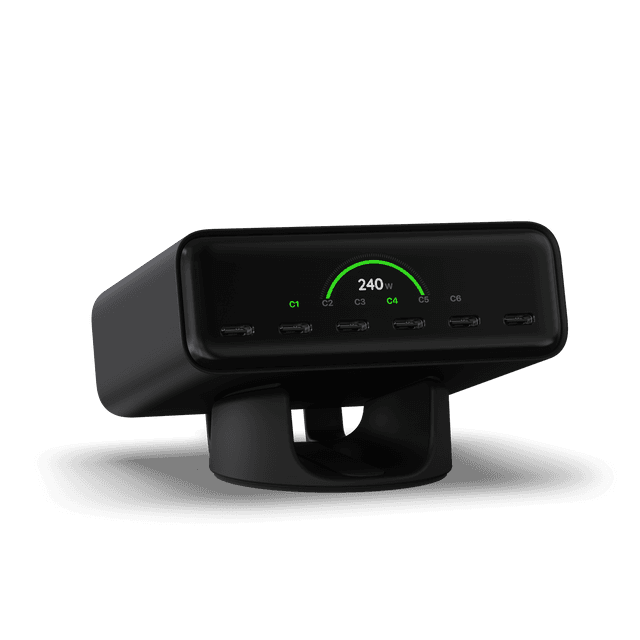 ChargeView™ 240W Desktop ChargerSatechi · $149.99
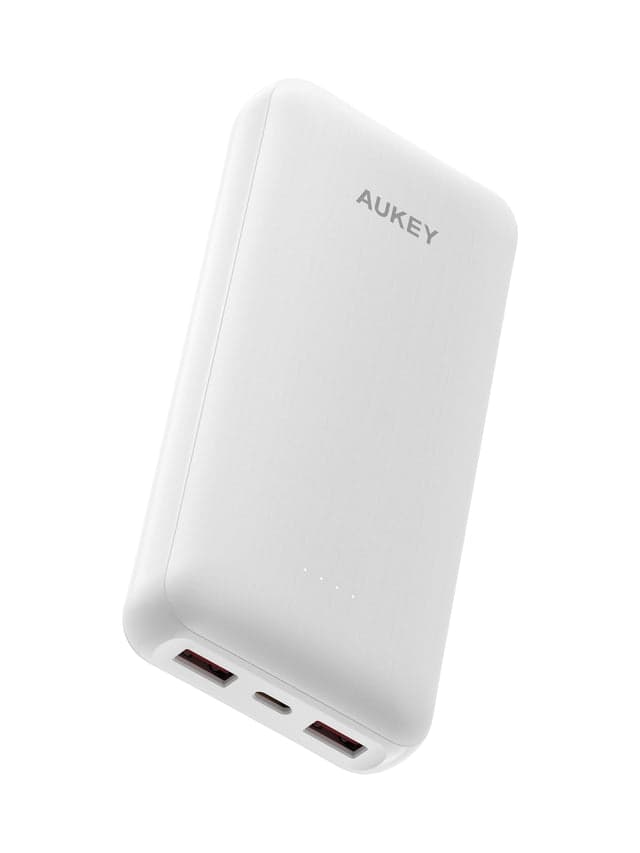 Aukey Basix Lite 20000mAh High-Capacity Power Bank PB-Y104AUKEY · $19.99
 HDMI to HDMI 2.1 Cable 2m | 8K 60Hz · 4K 140Hz · 48GbpsZyron Tech · $16.00
Running costs and power consumption
USB-C chargers consume electricity only when actively charging a device, so a single-port 20W charger left plugged in without a device uses negligible power. A multi-port charger uses the same principle—it draws power proportional to the devices connected. Both types now use GaN (Gallium Nitride) technology in most modern models, which converts power more efficiently than older silicon designs, reducing wasted energy as heat. A single-port charger left on standby consumes around 0.1 watts; a multi-port charger similarly draws minimal power when idle. Brands like Satechi and AUKEY offer models across both categories with similar efficiency ratings. The practical difference is minor—neither type will noticeably impact your electricity bill. What matters more is buying a charger with the right wattage for your devices. A 100W charger used only for phones will waste capacity and energy, while a 20W charger used constantly for a laptop will run hot and slow. Match wattage to actual use.
Space, size and setup differences
Single-port chargers are designed for minimal footprint. A 20W or 30W single-port model from AUKEY or Satechi typically measures around 2 by 2 inches and weighs under 100 grams—small enough to slot into a jeans pocket or a pencil case. Some include foldable plugs to shrink the profile further. Multi-port chargers are bulkier because they fit multiple ports into one body. A typical 3-port or 4-port model is closer to 3 by 3 by 2 inches and weighs 150–250 grams. On a desk with multiple devices, a multi-port charger consolidates three separate wall adapters into one, saving outlet space and reducing cable clutter. On a nightstand with one device to charge, that extra bulk becomes a drawback. For travel, single-port wins if you carry one phone; multi-port wins if you're traveling with a companion or pack a tablet and laptop. Consider your typical charging scenario: office worker with phone, earbuds and a laptop benefits from multi-port; someone who travels light and charges one device at a time prefers single-port.
 Slim EX Wireless MouseSatechi · $29.99
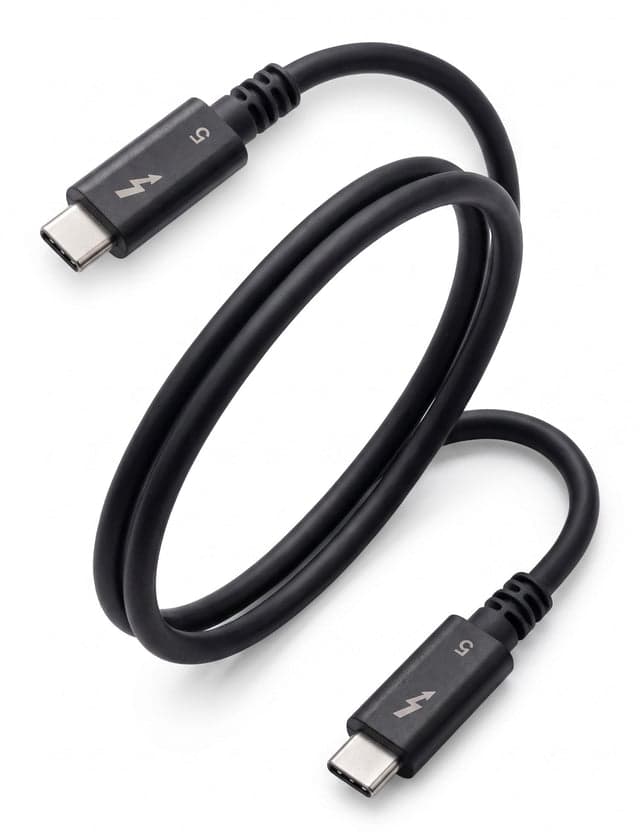
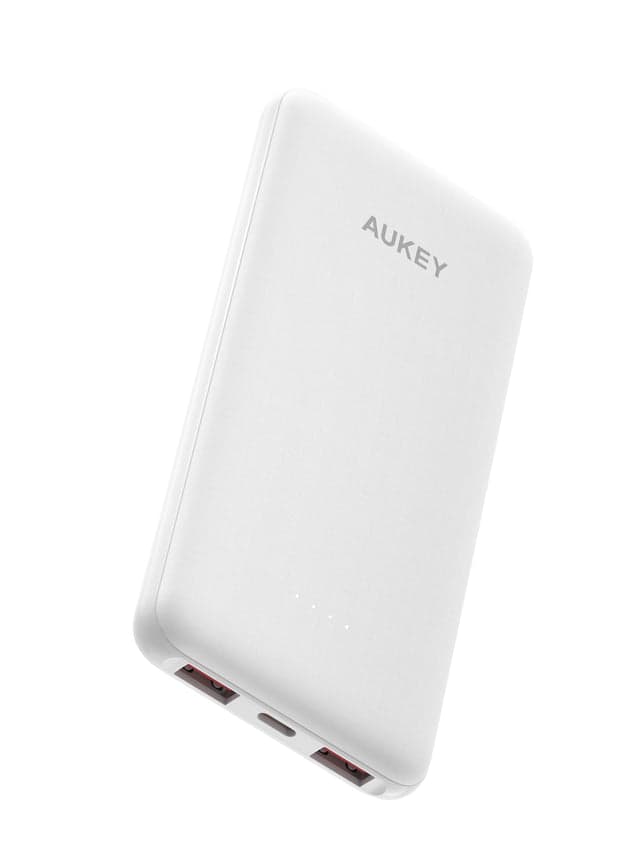 Aukey Basix Lite 10000mAh 22.5WPD Fast Charging Power Bank PB-Y103AUKEY · $14.99Thunderbolt 5 Cable 0.8m — 80Gbps, 240W, USB-IF & Intel CertifiedZyron Tech · $48.00
Choose single-port if you want speed and portability
A single-port charger is the right choice if you typically charge one device at a time and value compact size. Frequent travelers, commuters, and people who work from coffee shops benefit from a model that fits in a laptop bag or backpack without adding weight. Zyron Tech offers 30W and 67W single-port models starting around AUD $18, while Satechi's 20W and 100W single-port chargers span a similar range. These deliver full power to your phone or tablet without any power splitting. If your workflow involves charging a laptop during the day and a phone at night—but not both simultaneously—a single-port charger simplifies your setup. You gain the fastest charging for that single device and the smallest form factor. The downside is that a second device must wait for an outlet or use a different charger. This works fine if your second device charges slowly (like a smartwatch) or only charges at night when you're not using the first device.
Choose multi-port if you have multiple devices or shared outlets
Multi-port chargers suit anyone with several devices to power simultaneously. A person who carries a phone, tablet, and laptop—or shares a desk with a partner—benefits from plugging all three into one wall outlet. AUKEY offers dual-port chargers starting around $17–$19, while Satechi's 66W three-port and 165W four-port models provide higher capacity for demanding setups. A multi-port charger also solves the hotel room or coffee shop problem: limited wall outlets become less frustrating when one adapter serves three devices. If you alternate between devices during the day (checking your phone, then your tablet, then your laptop), a multi-port charger keeps all three topped up without swapping adapters or hunting for spare outlets. The space savings on a desk are real—replace three bulky chargers with one compact unit. Multi-port makes sense for families sharing a charging station or anyone whose devices outnumber available wall sockets.
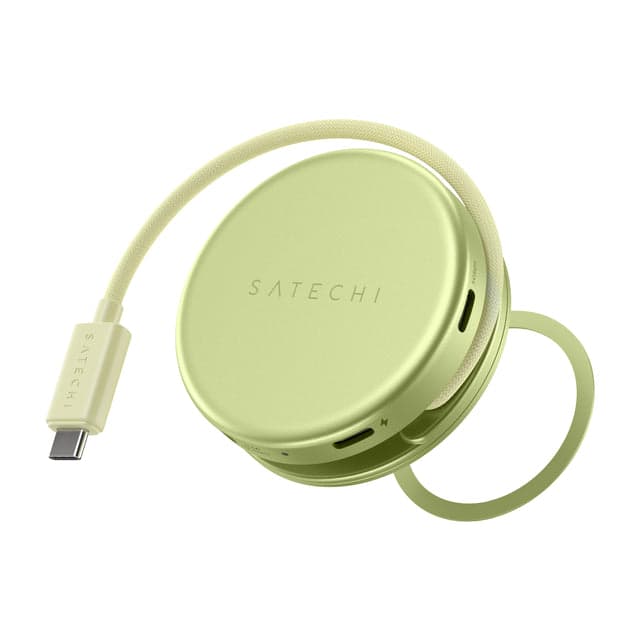 OntheGo™ 5-in-1 Multiport AdapterSatechi · $44.99
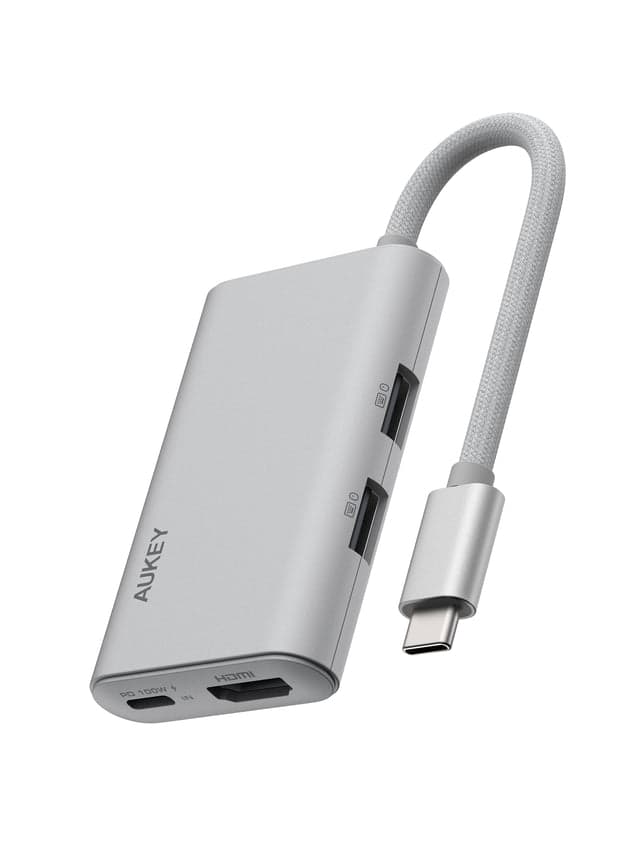 AUKEY UH-CUH06 OfficeDok 5-in-1 USB Hub AdapterAUKEY · $16.39
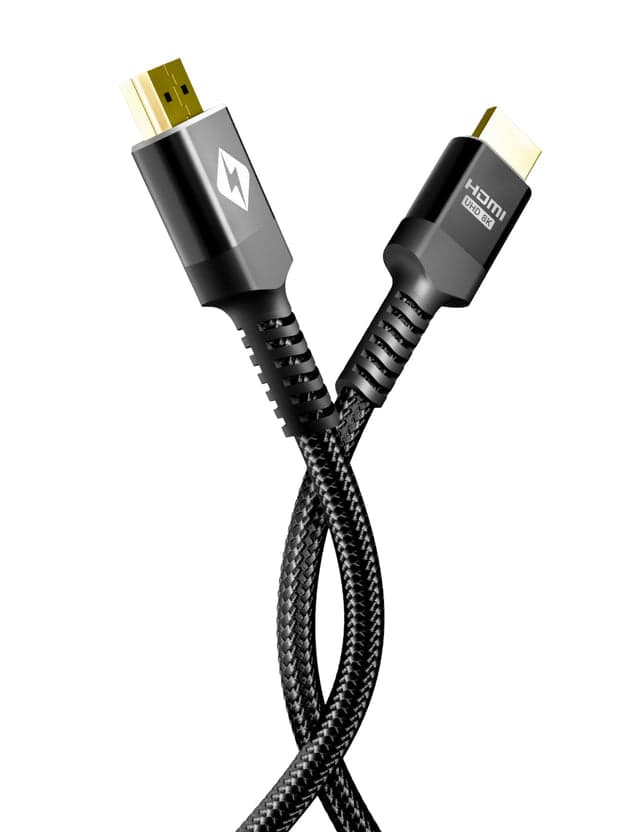 HDMI 2.2 Cable 96Gbps – 16K Ultra High Speed HDMI Cable (2m)Zyron Tech · $24.00
The case for owning both, and when it's overkill
Owning both a single-port and multi-port charger is sensible if you have truly different use cases. Someone who travels weekly with just a phone benefits from carrying a lightweight single-port charger; the same person who works from home with three active devices might keep a multi-port charger on the desk. This setup costs under $50 combined and eliminates compromises. However, buying both is overkill if you rarely use each scenario. If you travel once or twice a year, buying a dedicated travel charger just for that makes little sense. Similarly, if you charge devices sequentially (never simultaneously), a single good-quality multi-port charger can handle both roles—just plug in what you need. A second charger pays for itself only in high-use households where conflicting charging schedules are constant. For most people, picking one charger that matches your most common scenario and accepting occasional inconvenience is simpler and cheaper than maintaining a multi-charger rotation.
When do USB-C charger prices drop, and what codes cover?
USB-C wall chargers are on sale year-round, particularly around major shopping events. Single-port and multi-port models both see regular discounts on retailers' sites. Budget models drop to $6–$10 during flash sales, while premium GaN chargers from Satechi and AUKEY find discounts in the $15–$35 range. Prices tend to dip during end-of-month and seasonal clearance events rather than following a single peak sale period. Check price tracking sites for historical pricing on specific models to time your purchase. Most chargers come with manufacturer warranties covering defects—typically one to two years—but warranties do not cover physical damage or misuse. A multi-port charger warranty usually covers all ports and the power delivery circuitry. Deals and discount codes are common for bulk purchases; buying a two-pack or buying for a friend might unlock additional savings. Avoid buying the cheapest unbranded chargers, as saving $5 on an off-brand charger risks damage to your devices. Spending $20–$50 on a reputable model from Satechi, AUKEY or Zyron Tech provides better reliability and safety.
What mistakes do shoppers make when picking between these two?
The biggest mistake is ignoring wattage and buying a charger mismatched to your devices. A 20W charger can't fast-charge a laptop; a 100W charger is overkill for earbuds and wastes capacity. Always check your device's charging specification before buying. A second common error is assuming all USB-C cables support fast charging. Many cheap cables deliver only basic 5W power and block USB Power Delivery, making a premium charger useless. Invest in a quality cable that matches your charger's wattage. Shoppers also overlook port pairing—some multi-port chargers deliver full power only if you use specific combinations of ports. A charger might deliver 65W on one USB-C port but only 30W when both USB-C ports are active. Read the specs carefully. Many people buy a multi-port charger thinking it solves everything, then get frustrated when charging two large devices simultaneously reduces speed on both. Finally, buyers often jump at the lowest price without checking the brand's safety certifications. A $7 charger from an unknown seller carries real risk of fire or device damage. Spending a little more on a trusted brand provides peace of mind and actual durability.
- Mismatched wattage: buying charger unsuitable for your device
- Low-quality cables: cheap cables block Power Delivery or fail quickly
- Ignoring port pairing: wattage varies depending on which ports are in use
- Unknown brands: unvetted sellers skip safety certifications and regulations
- Skipping cable inspection: a charger is useless with an incompatible cable
Our top picks

Satechi50% off
Offers a full range of single-port (20W, 100W) and multi-port chargers (66W, 165W) with GaN technology, all with strong warranties and safety certifications for professional and home use.
Shop Satechi →25 Satechi coupons →
AUKEY50% off
Provides affordable single and dual-port USB-C chargers from 20W upwards, with foldable designs for travel and broad device compatibility at competitive prices.
Shop AUKEY →19 AUKEY coupons →
Zyron Tech85% off
Delivers GaN-based single and multi-port chargers in the 30W–100W range with included cables and travel cases, popular with Australian and Asia-Pacific buyers.
Shop Zyron Tech →17 Zyron Tech coupons →Frequently asked questions
Is a 20W charger enough for my phone?
Yes, a 20W USB-C charger is sufficient for most modern phones, including standard iPhone and Android models. Fast charging typically maxes out at 20–30W for phones, so higher wattages don't speed up charging further but do provide headroom for other devices sharing the charger.
Can I use a multi-port charger for my laptop?
Only if the multi-port charger supports enough wattage. A 65W multi-port charger can power most laptops when it's the only device connected, but read the specs—some models reserve lower wattage to certain ports. Check your laptop's charging requirements first.
Do single-port or multi-port chargers fail faster?
Neither inherently fails faster. Both GaN-based chargers are similarly durable if you buy from reputable brands. Multi-port chargers have more internal circuitry, so a manufacturing defect affects more ports, but quality models from Satechi and AUKEY show equal longevity to single-port equivalents.
- https://uk.ugreen.com/blogs/charger/single-port-vs-multi-port-charger-for-travel
- https://www.shopback.com/guide/shopping/best-cheap-usb-charger-buy
- https://www.pcworld.com/article/2530811/buying-a-usb-c-cable-avoid-these-common-mistakes.html
- https://chargerlab.com/how-to-choose-a-convenient-multi-port-charger-for-everyday-use-2
- https://www.maplin.co.uk/blogs/expert-advice/best-usb-chargers-uk-2026-6-multi-port-options